
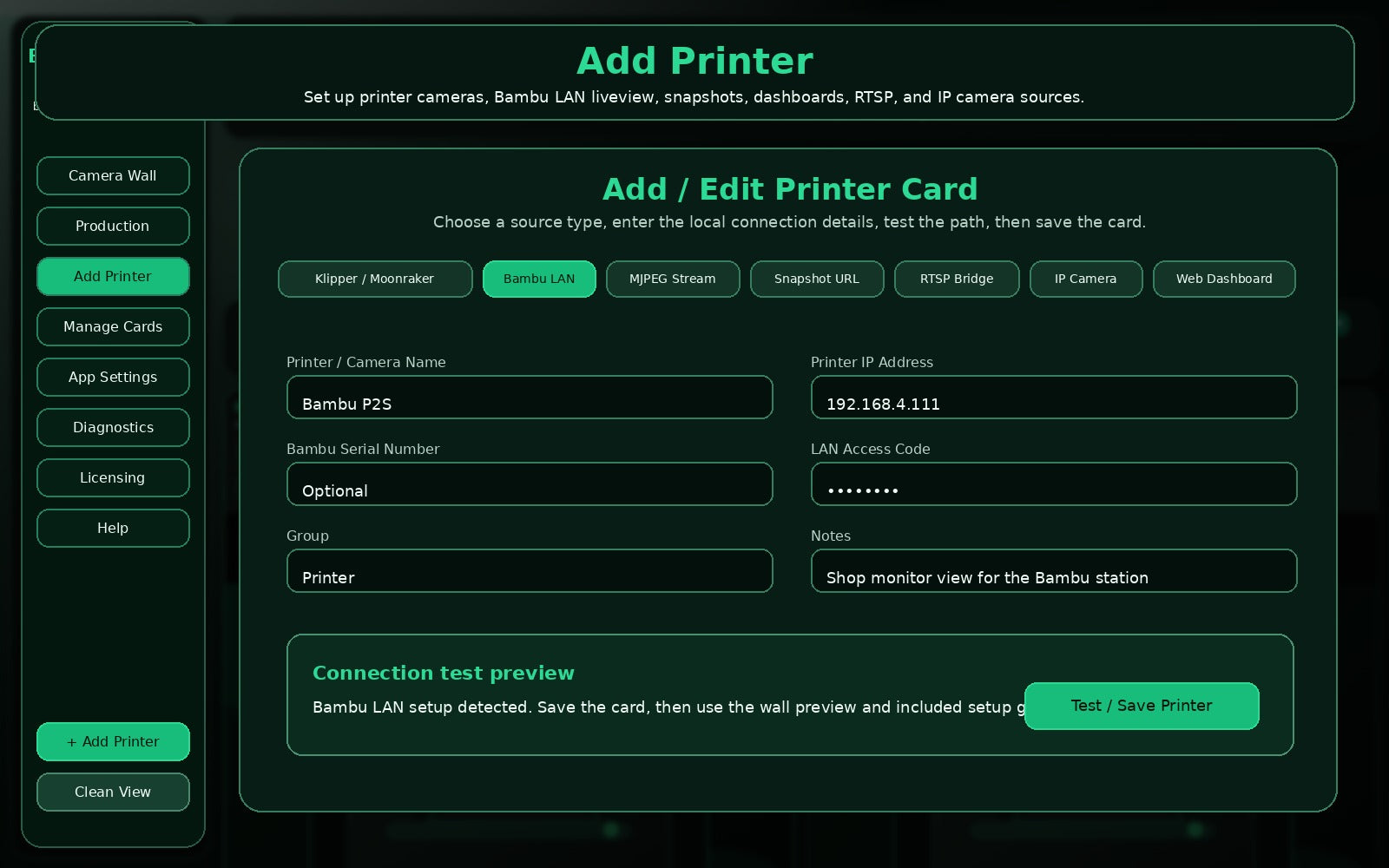
Add PrinterConnection setup for printer camera sources.
Install locally, start the trial, or unlock the same app with a paid license key.
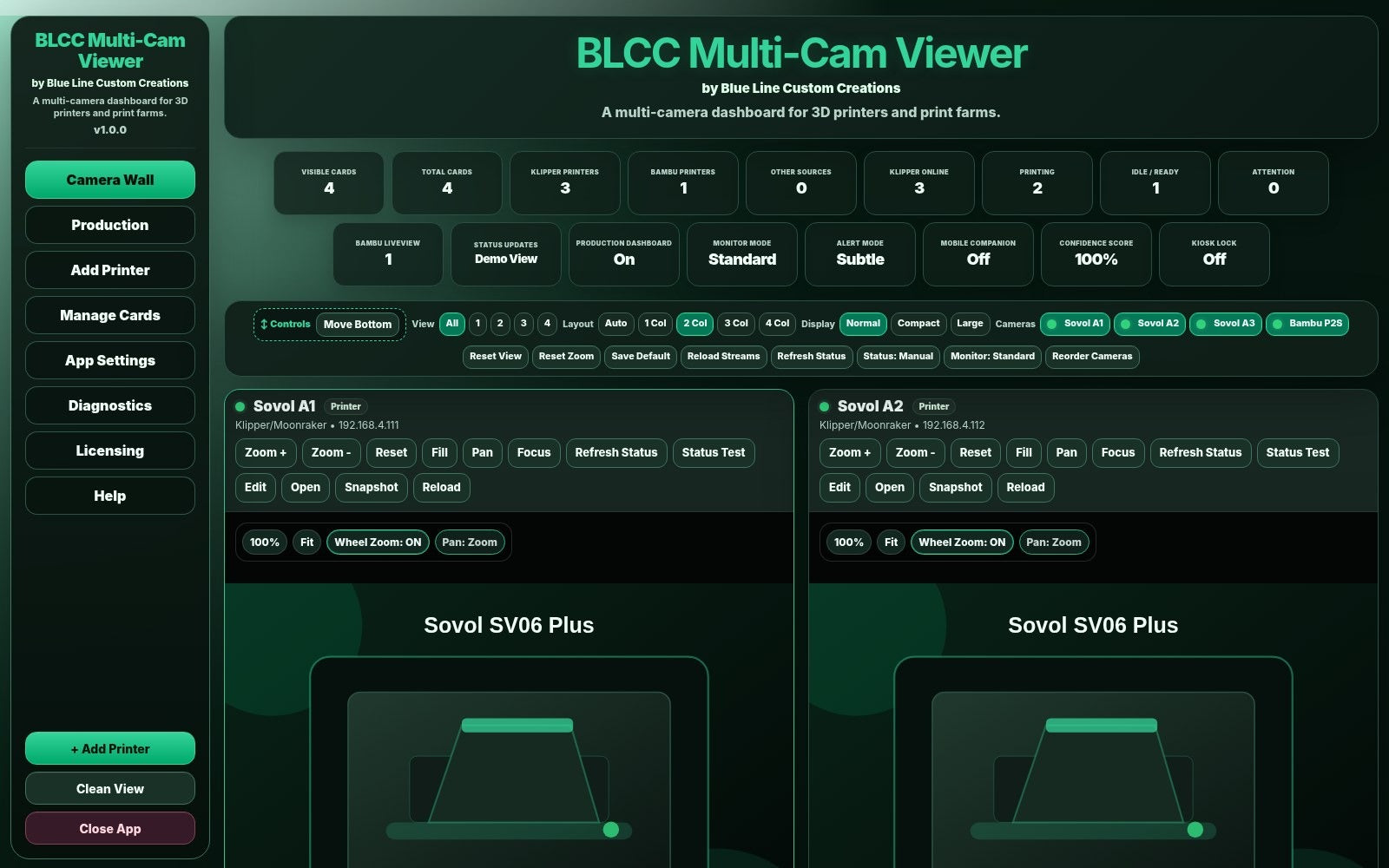
A clean multi-camera dashboard for 3D printers and print farms. Built for users who want a local fullscreen viewer without turning monitoring into a cloud management project.
Regular price $49.99. Launch pricing is available for early public-release customers.
Includes: one Windows PC license, 7-day trial path, local camera wall, supported printer status panels, Bambu LAN liveview setup path, customer guides, and free v1.0.x bug-fix updates.
Best for Windows users who want a local dashboard for multiple printer cameras and supported read-only printer status.
No. BLCC Multi-Cam Viewer is sold as a one-time purchase.
Yes. Start the 7-day free trial first so you can confirm your cameras and printer setup work before purchasing.
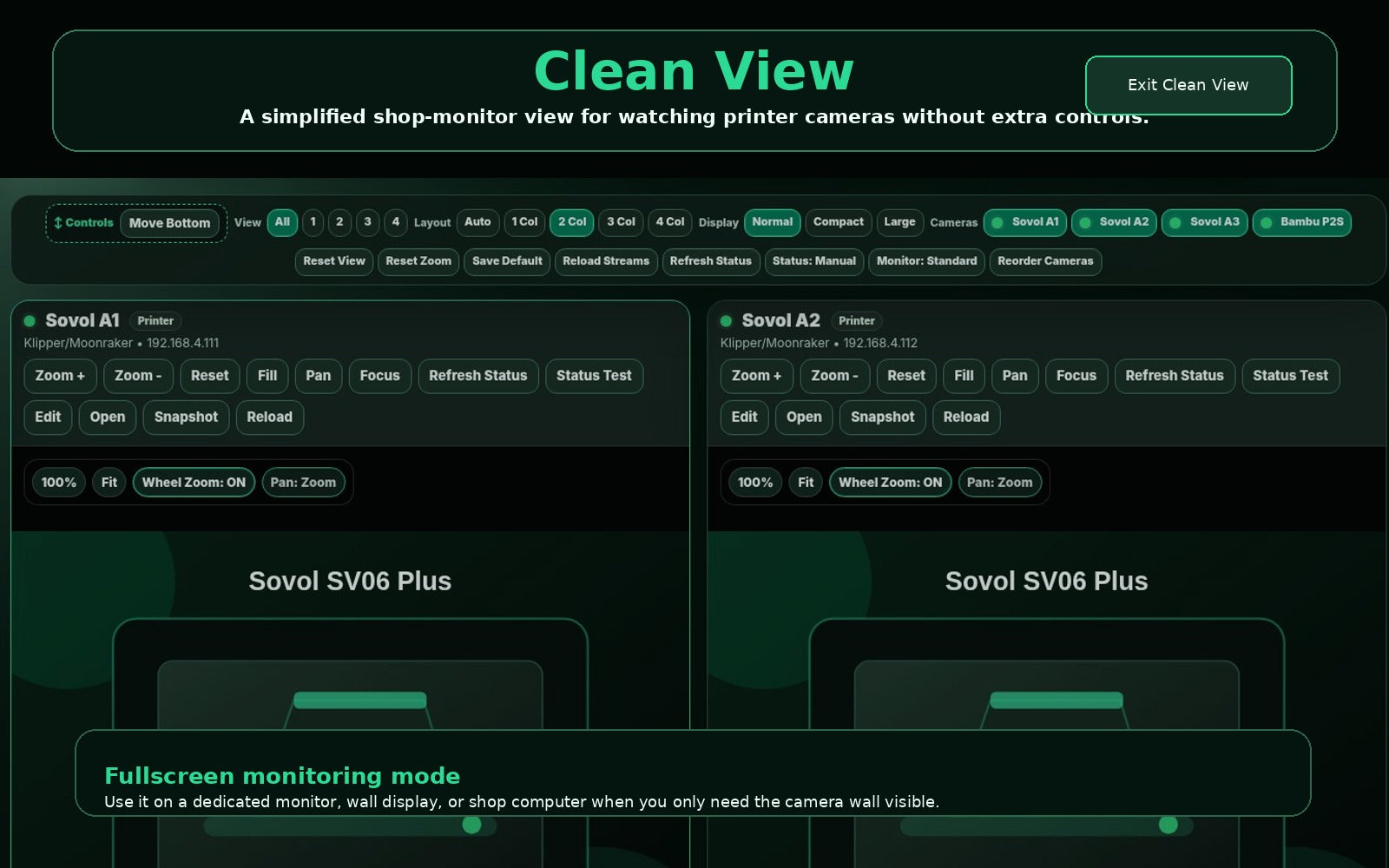
The Standard license activates one Windows PC. It is intended for a local monitoring station or shop computer.
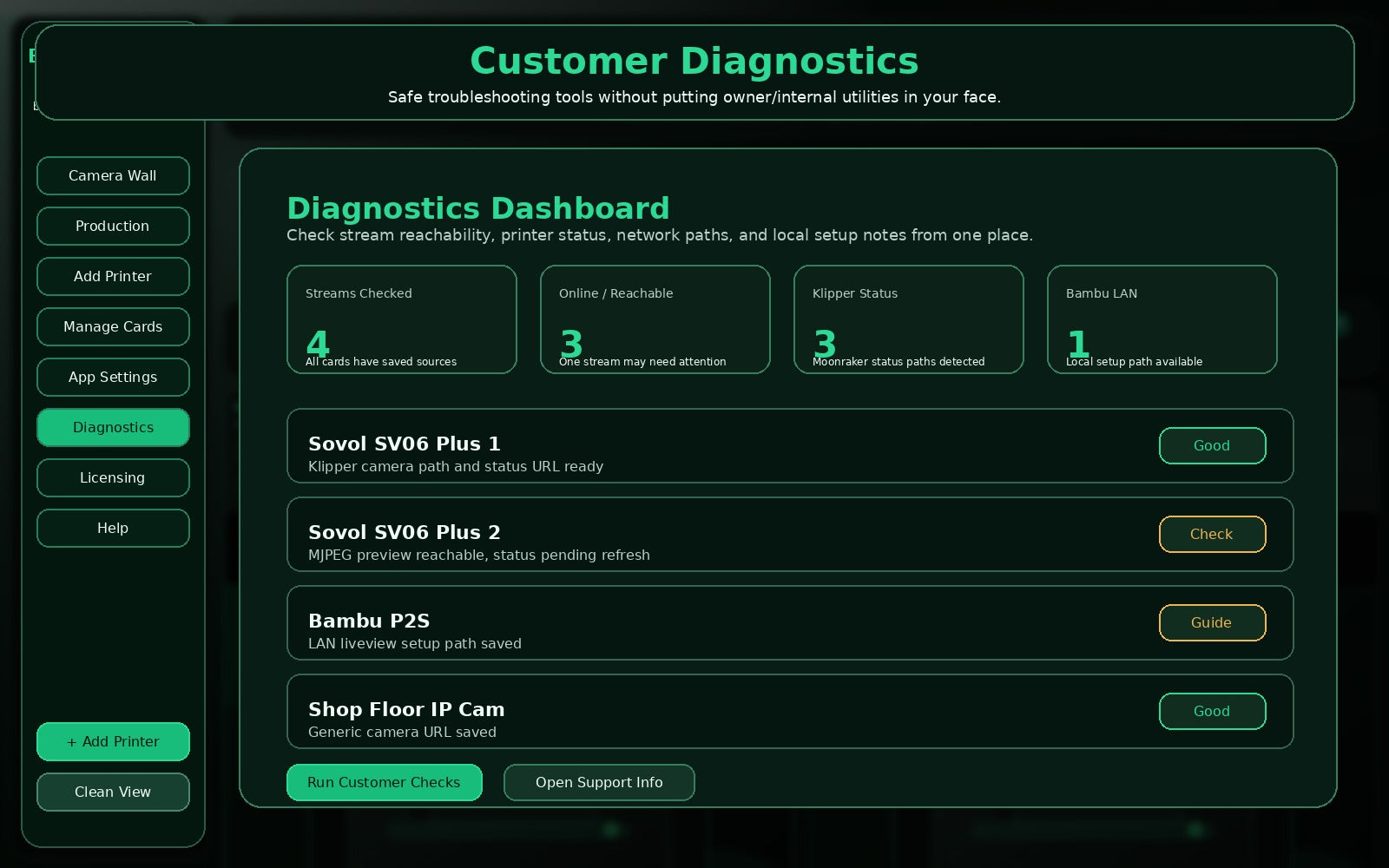
The Viewer runs locally on your Windows PC. Internet access is used for downloads, trial activation, license activation, and license checks.
No. BLCC Multi-Cam Viewer is designed as a monitoring dashboard. It does not send print-control commands to your printers.
It supports common camera/view sources including Klipper or Mainsail camera paths, OctoPrint-style MJPEG streams, Bambu LAN liveview setup paths, snapshots, dashboards, RTSP bridge options, and generic IP camera URLs.
It includes a Bambu LAN liveview setup path for supported local Bambu configurations. Use the included Bambu LAN Setup Guide and trial period to confirm your setup.
Your license is tied to a machine ID. If you replace or move computers, contact Blue Line Custom Creations support for license transfer help.
BLCC Multi-Cam Viewer gives you a local Windows camera wall for 3D printers and print farms. Launch price is $39.99, regular price $49.99.