BLCC Multi-Cam Viewer

A clean multi-camera dashboard for 3D printers and print farms.

Monitor multiple printer cameras, supported printer status, Bambu LAN liveview, and shop-floor views from one local Windows app.

7-Day Free Trial One-Time Purchase Windows 10 / 11 Launch Price $39.99
Simple launch offer

Try it for 7 days. Buy once for $39.99 during launch. Regular price is $49.99. Each license activates one Windows PC.

Local Viewer No Printer Control Commands Mac Not Supported
Built for the print room

One fullscreen wall for the printers you need to watch.

Multi-CamPut several printer cameras into one clean dashboard.
StatusShow progress, state, temps, and file name where supported.
BambuUse the local Bambu LAN liveview path for supported setups.
LocalRuns on your Windows PC and does not send control commands.
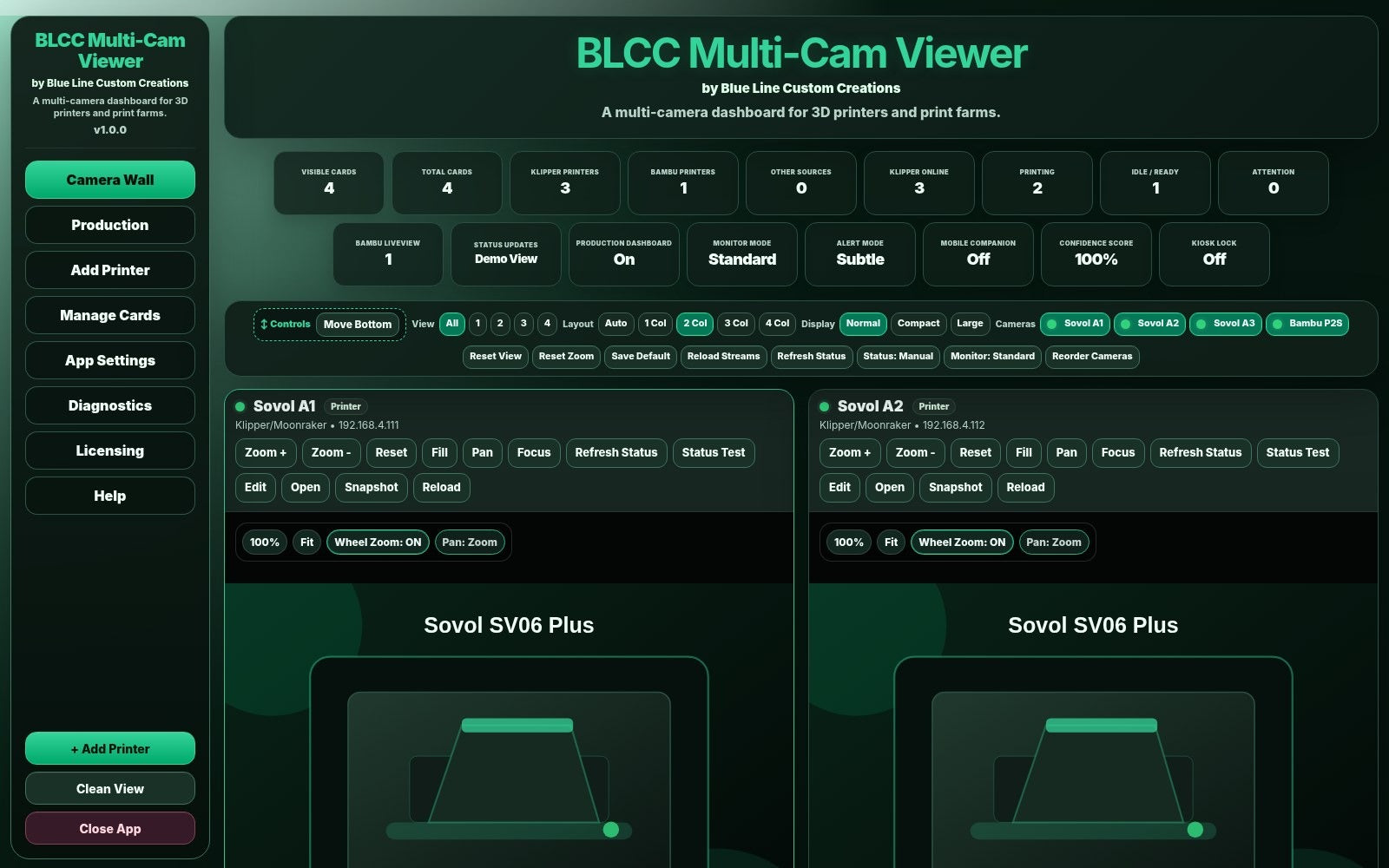
BLCC Multi-Cam Viewer camera wall screenshot
What it does

Watch more printers without turning your shop monitor into a science project.

Camera WallSee your active printer cameras in a polished fullscreen dashboard.
Printer StatusShow progress, nozzle temp, bed temp, state, and file name for supported Klipper/Moonraker printers.
Bambu LAN PathAdd supported Bambu printers using the local LAN liveview setup path.
Clean ViewHide extra controls when you just want a wall monitor running in the background.
Flexible SourcesUse Klipper, OctoPrint-style MJPEG, snapshots, local dashboards, RTSP bridge options, and IP camera sources.
Customer Guides IncludedQuick Start, Connection Guide, Bambu LAN Setup, Troubleshooting, Activation, and Legal Disclaimer PDFs are included.
Inside the Viewer

Screenshots and interface views from BLCC Multi-Cam Viewer.

Camera wall dashboard

Camera Wall

Monitor multiple printer cameras with status cards and quick view controls.
Add printer and source setup view

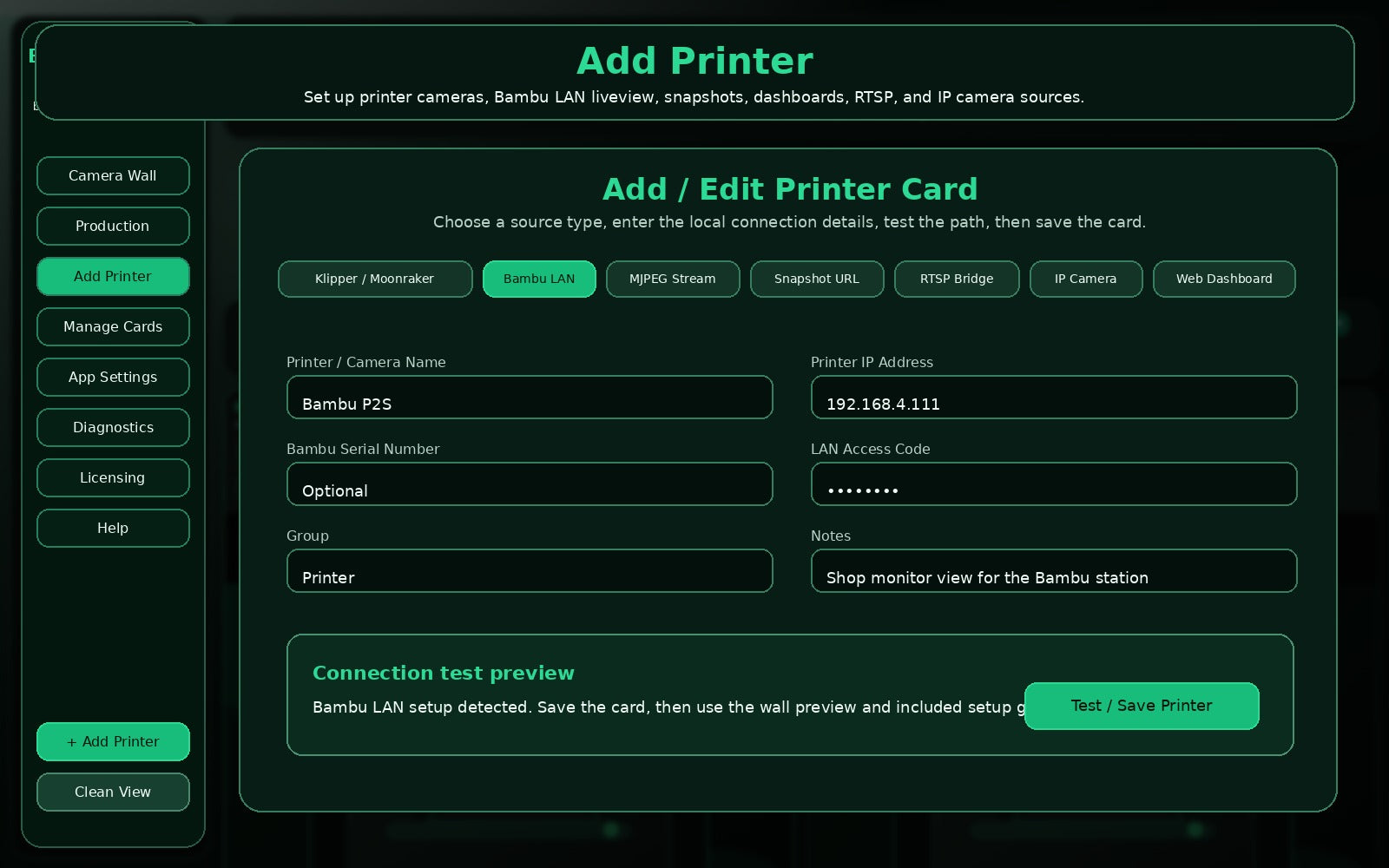
Add Printer

Add Klipper, Bambu, MJPEG, snapshot, dashboard, RTSP, and IP camera sources.
Customer diagnostics view

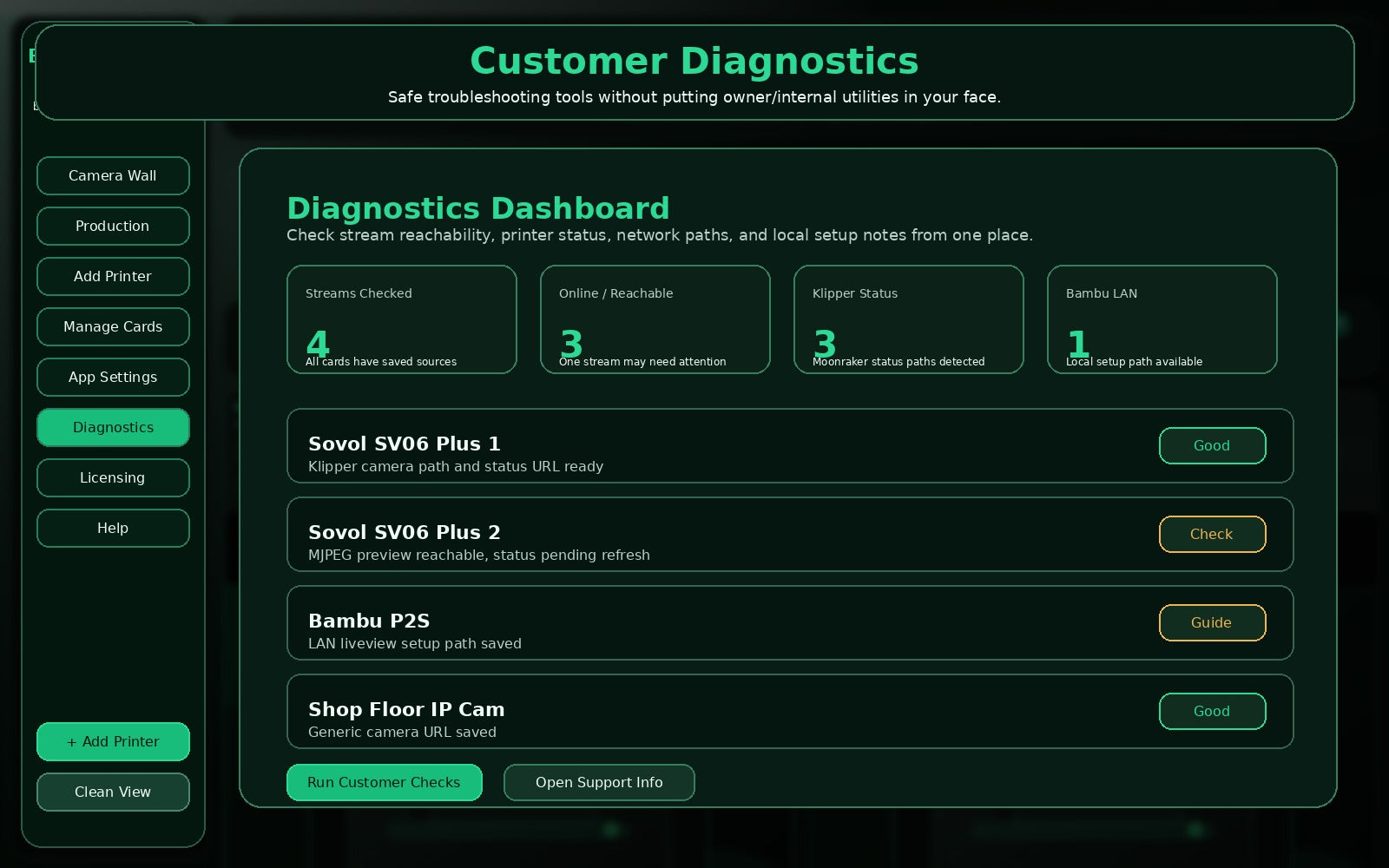
Customer Diagnostics

Run customer-safe checks without exposing owner-only tools in normal use.
Clean fullscreen monitoring view

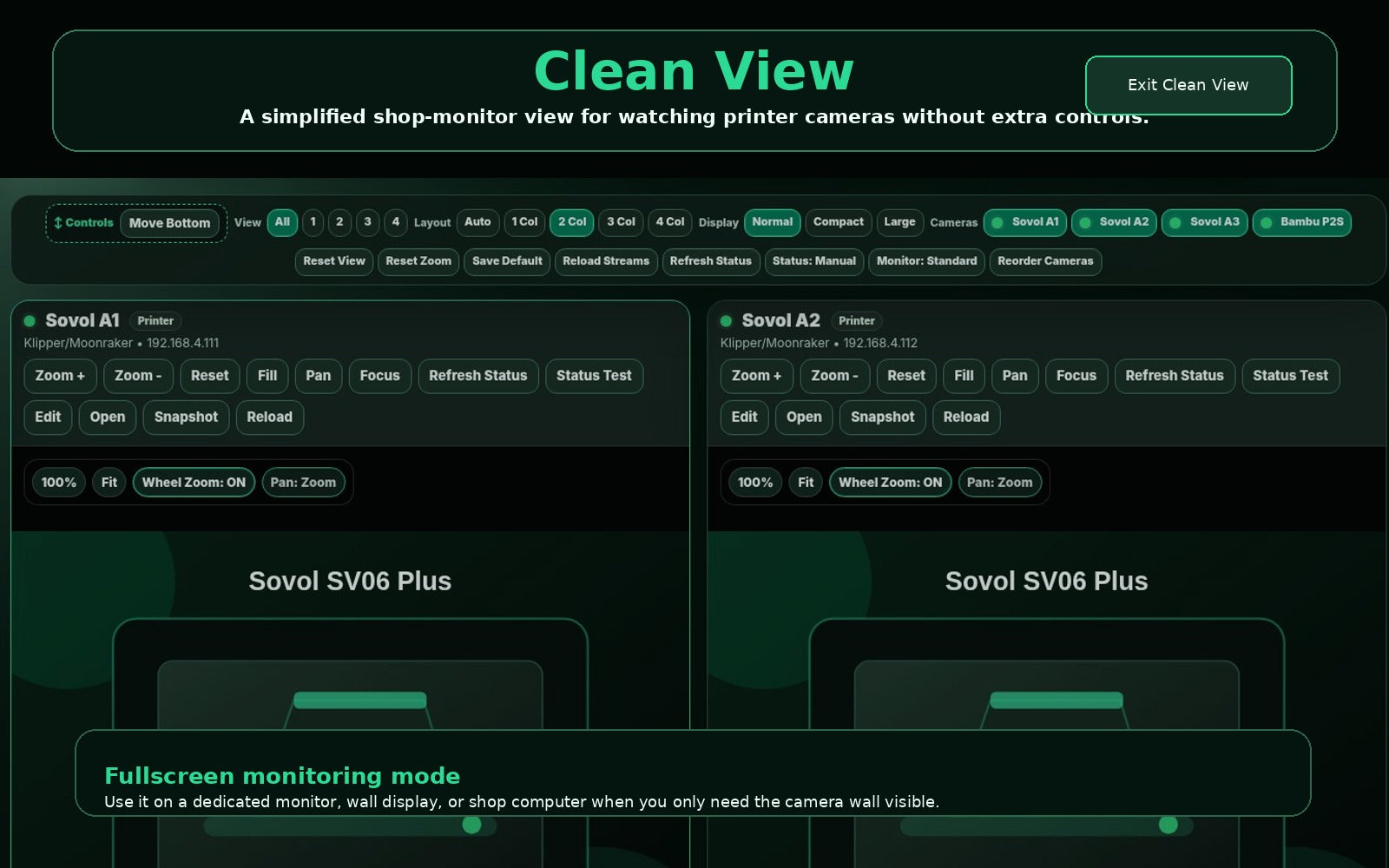
Clean View

Use a simpler wall view when the app is running as a shop monitor.

Free Trial

Start the 7-day BLCC Multi-Cam Viewer trial

Complete the short trial request form below, then the secure download button will appear. The same app is used for trial mode and paid license unlock.

Download once. Unlock when ready.

Install the Viewer, test it with your printer cameras, then buy the full license if it fits your setup.

7-Day Trial Windows App License Unlock

Why we ask

This helps us support trial users, activation questions, and camera setup questions without guessing who downloaded the app.

The download button appears after submitting this form. If the download route is not active yet, Blue Line Custom Creations will send the trial link by email.

Pricing

One product. One-time purchase.

Launch Offer

BLCC Multi-Cam Viewer Standard

$39.99one-time purchase

Regular price $49.99. Launch pricing is available for early customers during the first public release period.

  • One Windows PC license
  • 7-day free trial
  • Local multi-camera dashboard
  • Fullscreen startup
  • Customer PDF guides included
  • Free v1.0.x bug-fix updates

Best fit

Use this when you want a dedicated Windows camera wall for multiple printers, not a full cloud print farm platform.

Great for: hobby rooms, small print farms, Etsy or Shopify sellers, makerspaces, and shop monitors.

Not built for: replacing your slicer, controlling printers remotely, cloud queue management, or Mac systems.

FAQ

Common questions before you install.

Does it control my printer?

No. BLCC Multi-Cam Viewer is a monitoring app. It is designed for camera viewing and read-only status where supported.

Does it require the cloud?

The Viewer runs locally on your Windows PC. Licensing and download tracking use Blue Line Custom Creations services.

Does it work with Bambu printers?

It includes a Bambu LAN liveview setup path for supported local Bambu configurations. Use the Bambu LAN Setup Guide included with the app.

What cameras are supported?

Supported source types include Klipper/Moonraker, OctoPrint-style MJPEG, Bambu LAN liveview, snapshots, local dashboards, RTSP bridge options, and generic IP camera paths.

Can I try it first?

Yes. Use the 7-day trial to confirm your setup works before buying.

How many PCs does one license cover?

The launch Standard license is for one Windows PC.

Ready to test it?

Start with the free trial, then unlock the full license when it fits your shop.